

Create AI videos and images
all in one studio.
DoneVid is in private beta.
Generation is invite-only while we finish testing. Public access opens soon.
Request accessNew on DoneVid
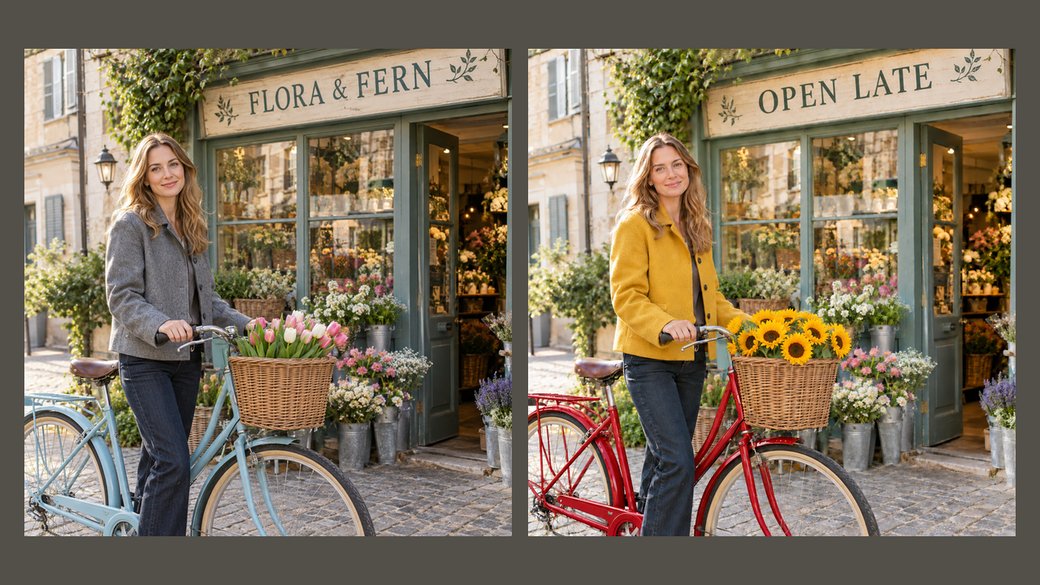 Coming soon
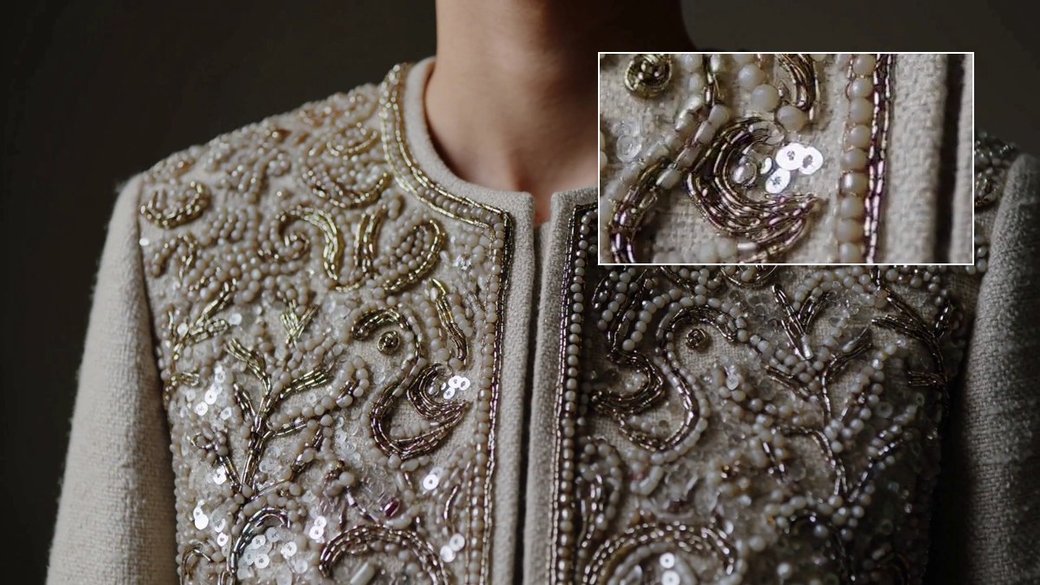 Coming soon
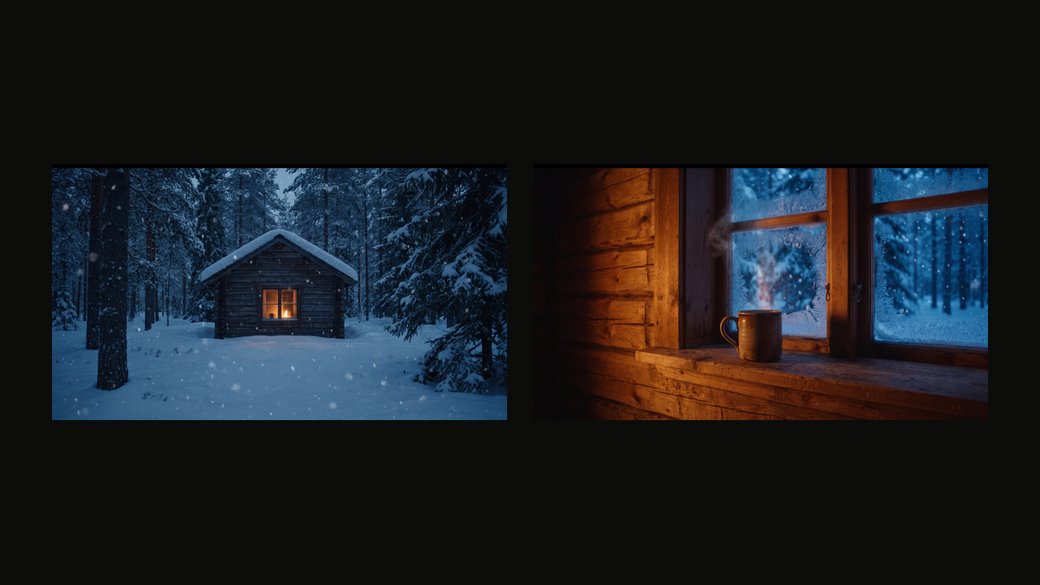 Coming soon
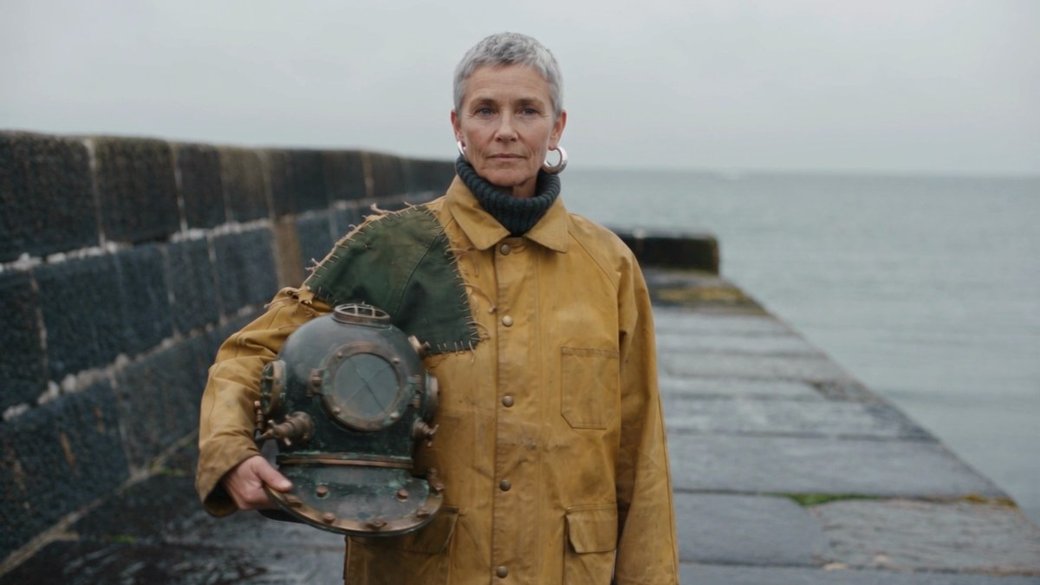 Coming soon
Create suite
Video and image, in one Studio.
Turn text or images into video, or make an image from a prompt. See the Credit cost before you generate.
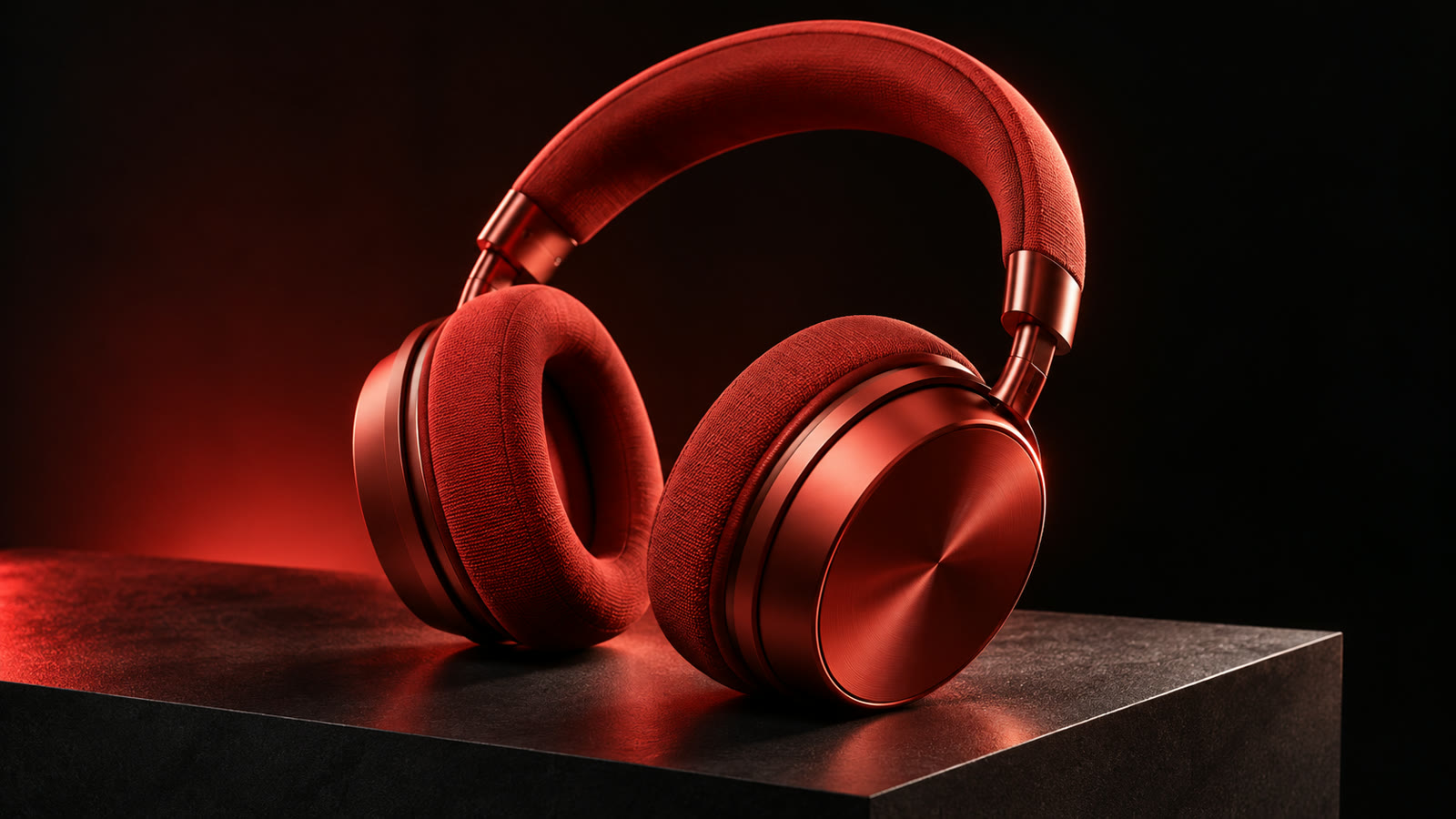
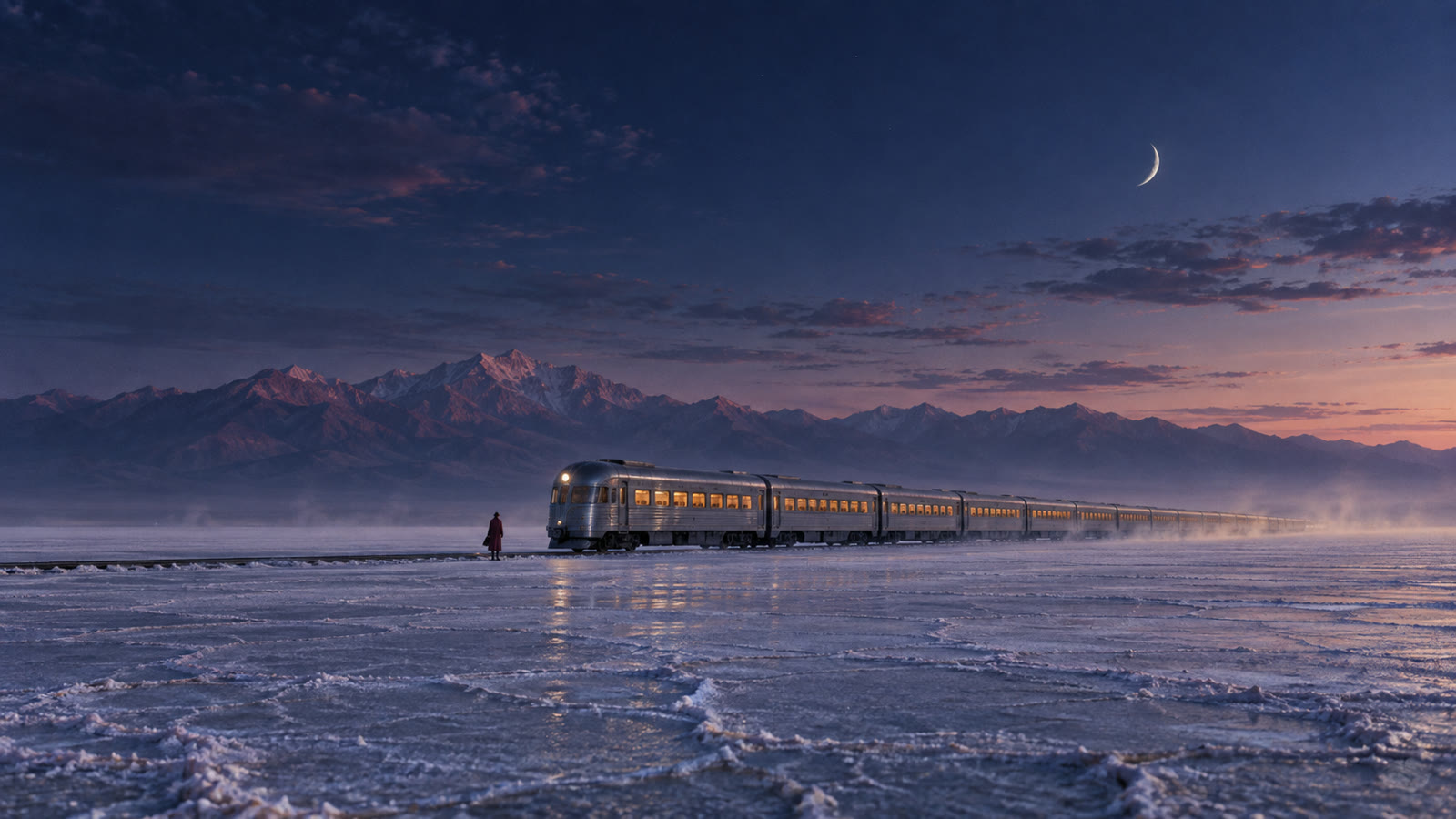
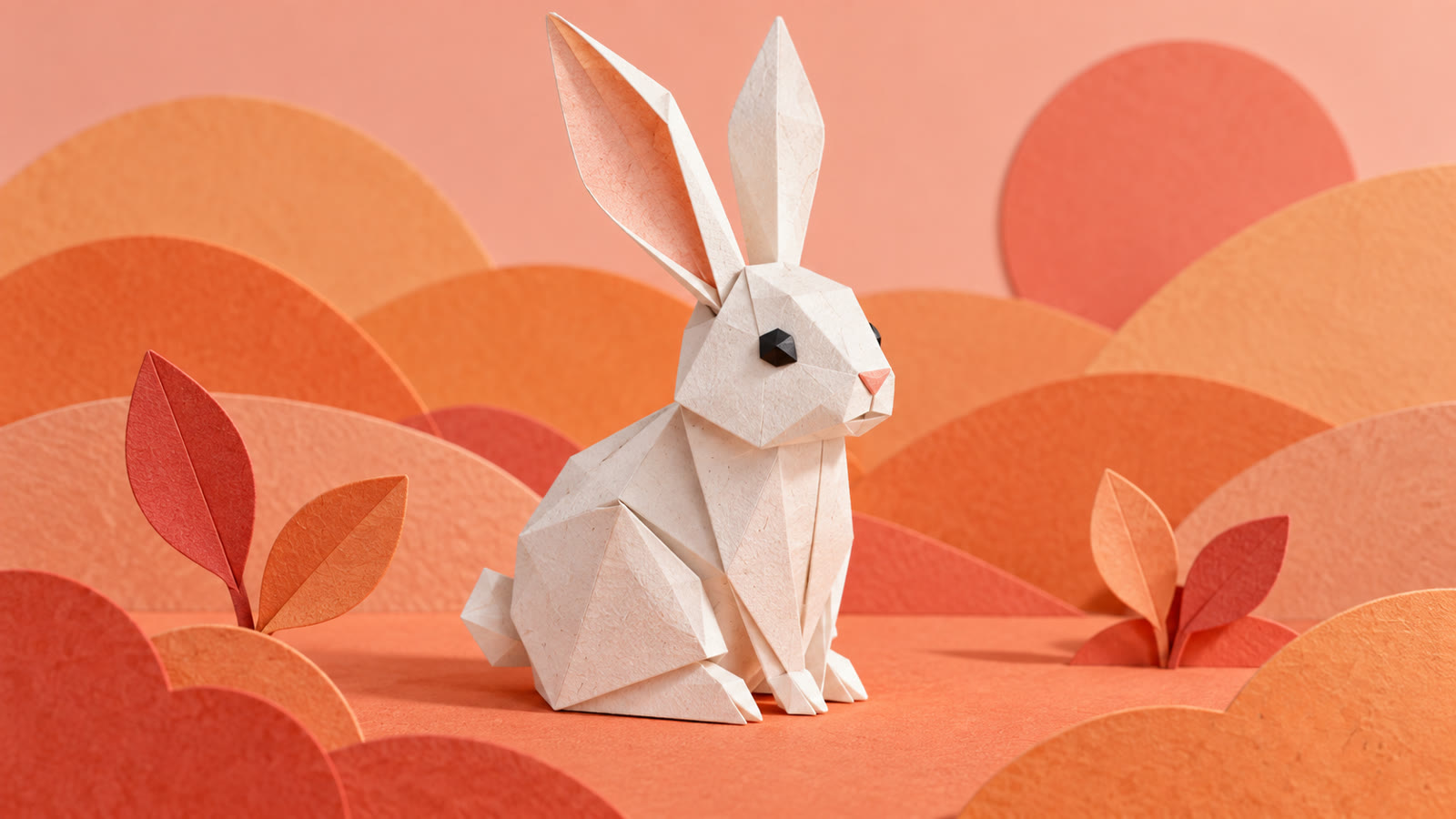
Choose your model. Stay in one Studio.
Pick the model that fits the shot — switch any time in Studio.
Fewer surprises between the idea and the result.
FAQ
Questions, answered.
How do I start creating?
DoneVid is in private beta, and generation is invite-only for now. Once you have access, you open Studio, choose Video or Image and a model, then start with a prompt or, for image to video, a starting image. Studio shows the inputs and settings supported by that model.
Can I use my own images?
Yes. For image to video with Kling 3 Standard: a 16:9 PNG or JPEG up to 5 MB, 300–4096 px on each side and at most 8 megapixels. For image to video with Kling O3 Standard: a PNG or JPEG up to 5 MB with an aspect ratio between 0.4:1 and 2.5:1, 300–4096 px on each side and at most 8 megapixels. For image to video with Seedance2.5: a 16:9 PNG or JPEG up to 5 MB, 300–4096 px on each side and at most 8 megapixels. For reference to video with Seedance2.5: a PNG, JPEG or WebP up to 5 MB, 300–4096 px on each side and at most 8 megapixels. For image to video with MiniMax H3: a PNG, JPEG or WebP up to 5 MB, 300–4096 px on each side and at most 8 megapixels. For reference to video with MiniMax H3: a PNG, JPEG or WebP up to 5 MB, 300–4096 px on each side and at most 8 megapixels. For image to video with MiniMax H3 Max: a PNG, JPEG or WebP up to 5 MB, 300–4096 px on each side and at most 8 megapixels. For image to video with Wan 3.0: a PNG, JPEG or WebP up to 5 MB, 300–4096 px on each side and at most 8 megapixels. For image to video with Veo 3.1 Fast: a PNG or JPEG up to 5 MB, 720–4096 px on each side and at most 8 megapixels. For image to video with Grok Imagine Video: a PNG or JPEG up to 5 MB, 300–4096 px on each side and at most 8 megapixels. For image to video with LTX 2.3 Pro: a PNG, JPEG or WebP up to 5 MB, 300–4096 px on each side and at most 8 megapixels. For image to video with PixVerse C1: a PNG or JPEG up to 5 MB, 300–4096 px on each side and at most 8 megapixels. For image to video with Luma Ray 3.2: a 16:9 PNG or JPEG up to 5 MB, 300–4096 px on each side and at most 8 megapixels. For image to video with Vidu Q3 Pro: a PNG or JPEG up to 5 MB, 300–4096 px on each side and at most 8 megapixels. For reference to video with Vidu Q3 Mix: a PNG or JPEG up to 5 MB, 300–4096 px on each side and at most 8 megapixels. For image editing with Nano Banana Pro: a PNG, JPEG or WebP up to 5 MB, 300–4096 px on each side and at most 8 megapixels. For image editing with GPT Image 2.5 Flare: a PNG, JPEG or WebP up to 5 MB, 300–4096 px on each side and at most 8 megapixels. For image editing with GPT Image 2.5 Sunburst: a PNG, JPEG or WebP up to 5 MB, 300–4096 px on each side and at most 8 megapixels. Studio checks each image against the model you pick.
Which model should I choose?
Start from the shot: what you have to begin with, and the look and motion you want. Models differ in what they accept, the settings they offer and what they cost, and Studio shows those details for each one before you generate.
How do Credits work?
Credits are what you spend in DoneVid. The cost depends on the model and settings, and Studio shows it before you generate.
Read the Credits terms →What happens if a generation fails?
If a generation fails because of a system error on our side, its Credits are restored automatically. A run that is still processing has not yet failed. A successfully generated result you do not like does not, by itself, qualify for an automatic refund. Contact us if a failed run's Credits were not restored.
Read the refund policy →
Your next shot starts
with a prompt.
DoneVid is in private beta. Generation is invite-only for now.